SketchUp Studio

For Windows only.
Optimize your workflow.

Image21-Sketchup

Beautiful projects backed by data.

Proceed with your projects with conviction.

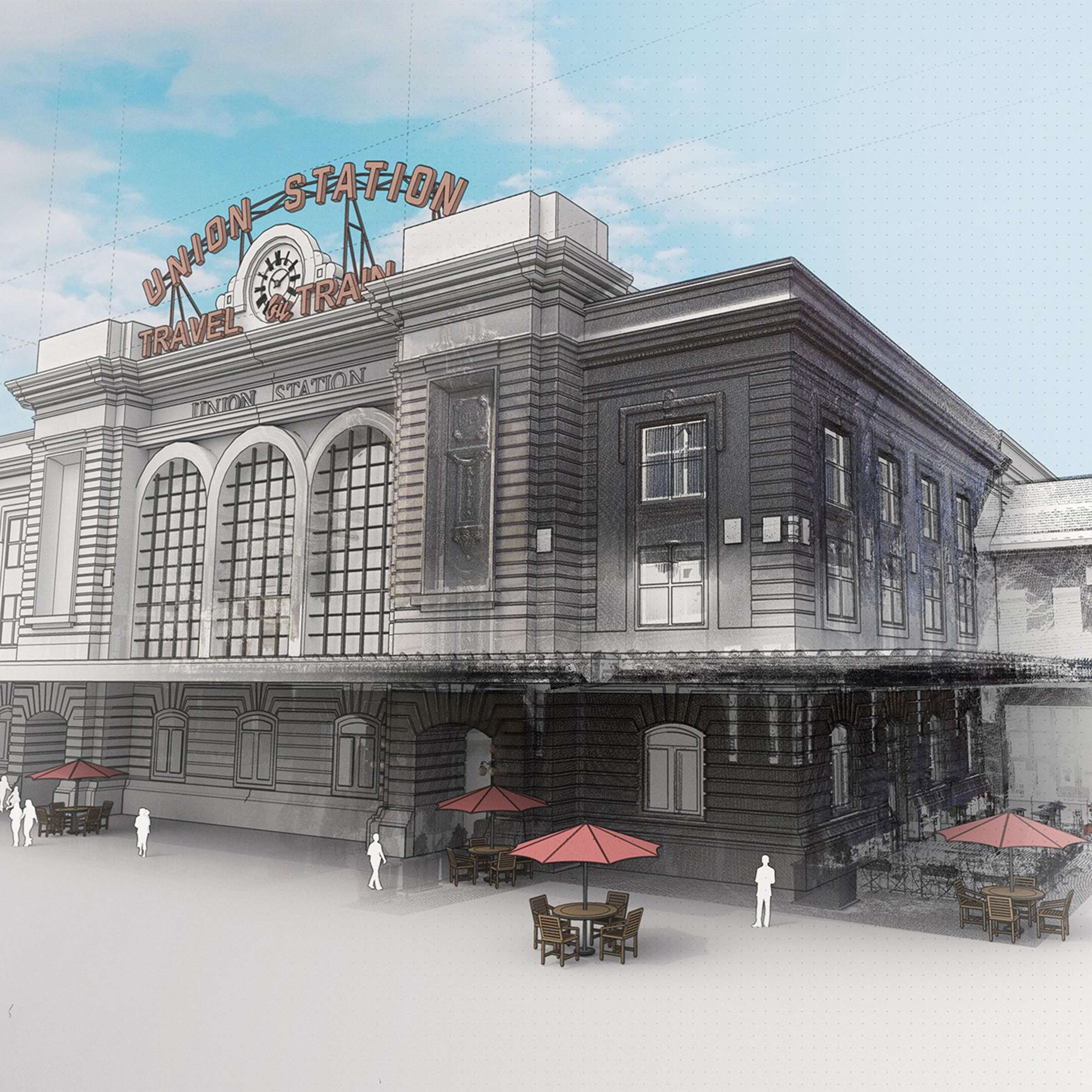
Quickly import, view, and model directly from point cloud data to ensure project accuracy.

Communicate your projects

From concept to photorealism, create compelling visual assets quickly and easily.

Work collaboratively and efficiently.

Access, review, and annotate updated models and drawings on a single, advanced platform.

Model with precision in 3D.

Increase workflow efficiency by importing, querying, and modeling directly on point cloud data extracted from ground scans, photogrammetry, lidar sensors, mobile mapping, and drone captures. Use Scan Essentials to accurately and quickly ensure model reliability, regardless of file size. Finalize 3D details and prepare your project for final compilation by creating 2D documentation of the point cloud data directly in LayOut.


Image20-Sketchup
Image19-Sketchup

Generate high-quality images

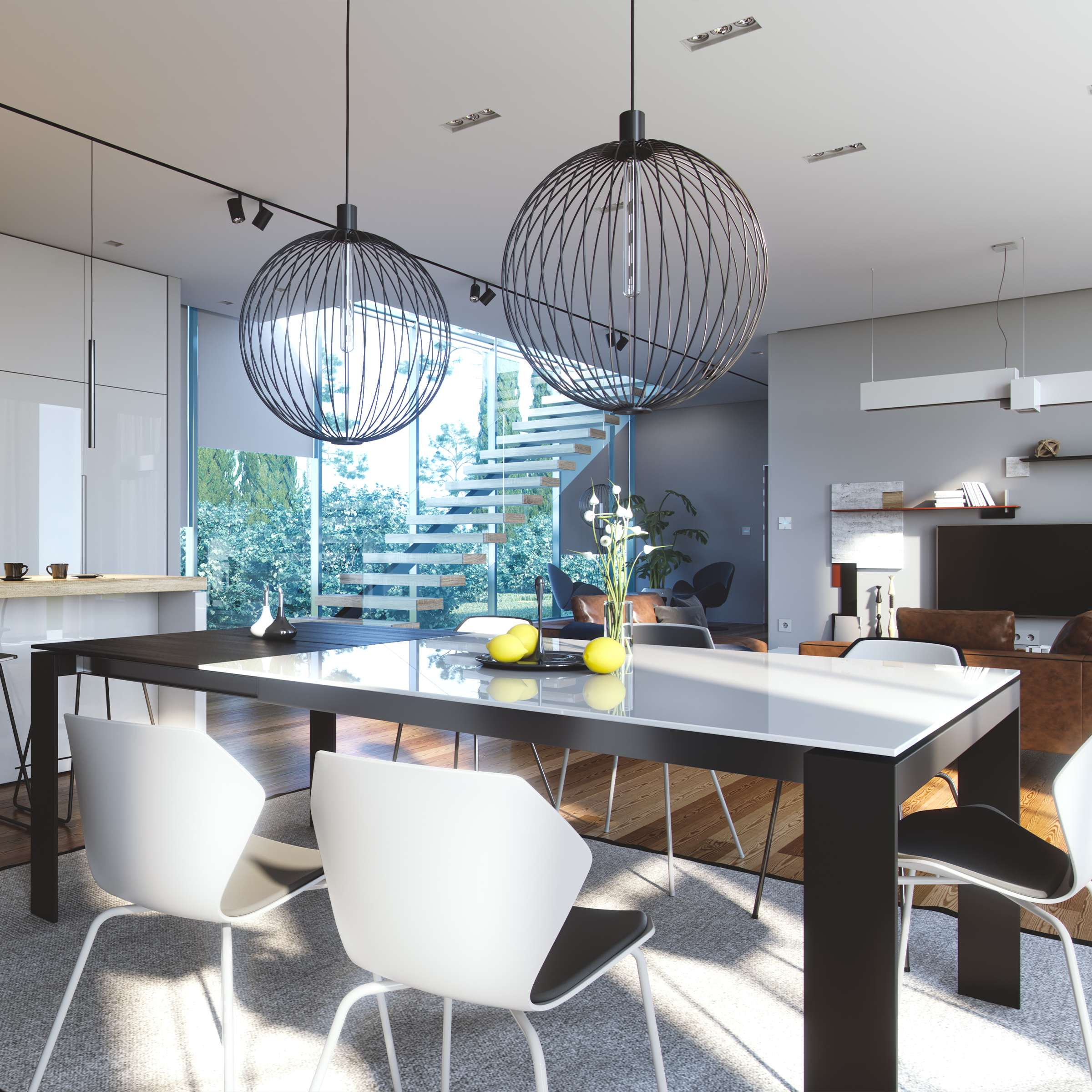
De arranha-céus detalhados a plantas baixas de interiores, dê realismo aos seus projetos com o V-Ray®. Com efeitos atmosféricos, iluminação global, iluminação natural, texturas realistas e opções de sombreamento, você vai poder apresentar o seu projeto com a melhor luz em algumas poucas etapas.

Organize your toolbox.

SketchUp Pro para desktop

A user-friendly interface and intuitive tools make SketchUp the easiest way to design your buildings in 3D.

Point cloud data-based models

Transform point clouds into 3D models in minutes with Scan Essentials.

Collaboration and cloud storage

Coordinate building models with stakeholders using Trimble Connect.

Real-time rendering

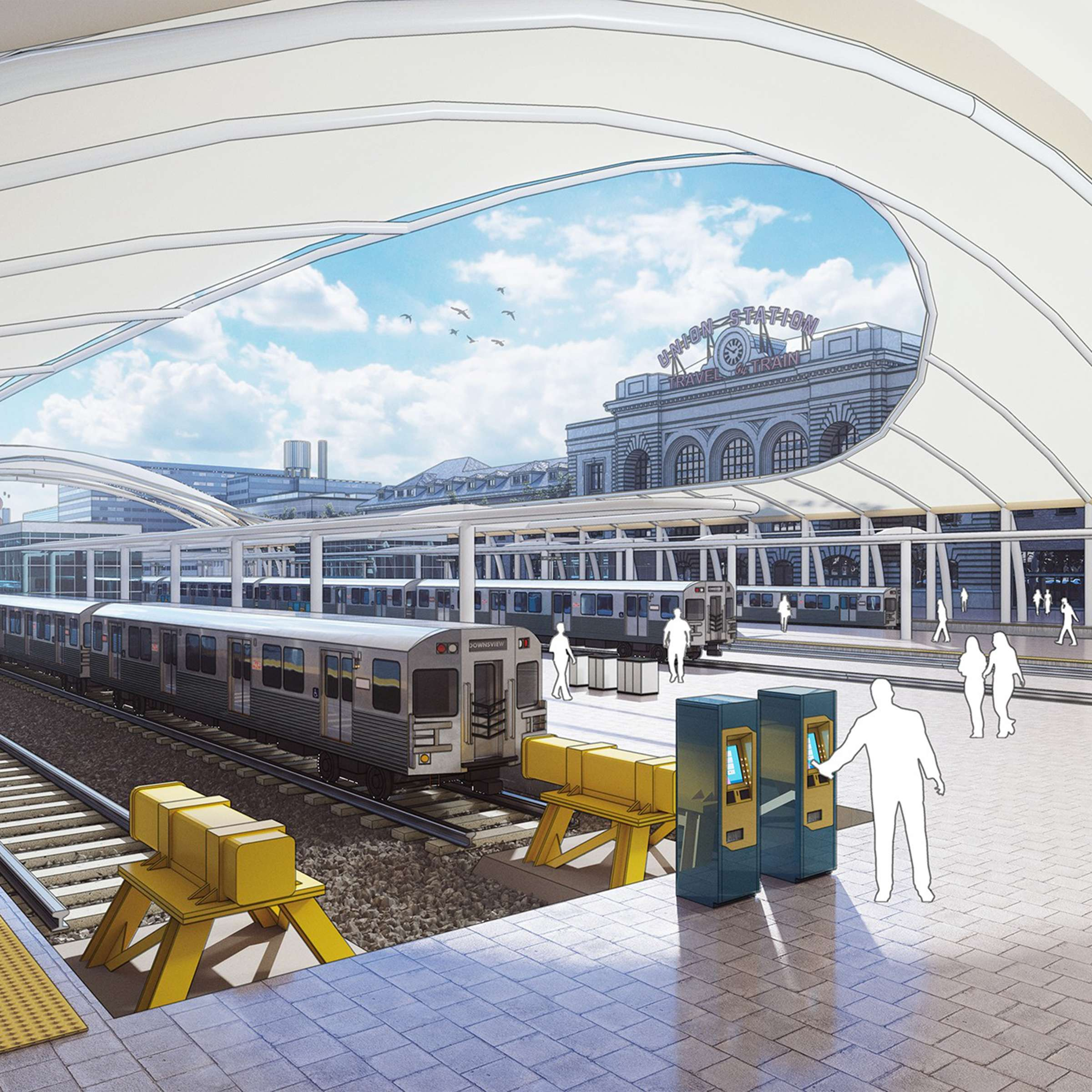
Present your ideas to clients quickly, make real-time edits, and drastically reduce project timelines, whether in the office or other locations, with V-Ray Vision.

Import Revit files quickly

Save time by accurately and efficiently converting Revit models into SketchUp geometry.

High-quality renderings

Create photorealistic renderings, animations, and panoramas for VR viewing with V-Ray for SketchUp.

Virtual and augmented reality applications

Take your clients on a 1:1 scale tour of project models in the office or on-site using our range of AR/VR mobile apps.

Best project research

Quick insights for project research before you begin 3D modeling. Receive design recommendations based on weather conditions and building type.

Image18-Sketchup

Learn how to use the full suite of Studio products in your workflow.

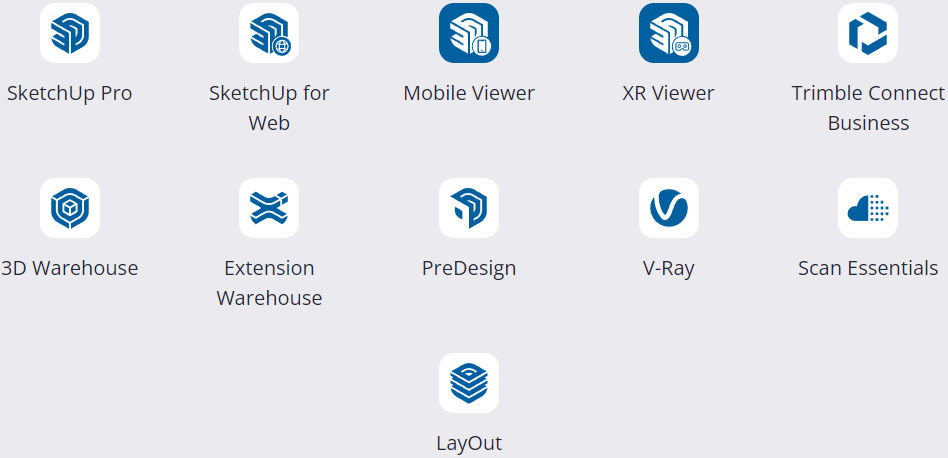
What's included in the Studio?

Services-Sketchup

Why you'll love the Studio

Image17-Sketchup
Complete 3D modeling software for desktop.
Image14
Incorporate visual impact into your project’s narrative.
Image15-Dowloand
Create precise 3D models using point cloud data.
Image16-Persons
Reach a consensus on your project.